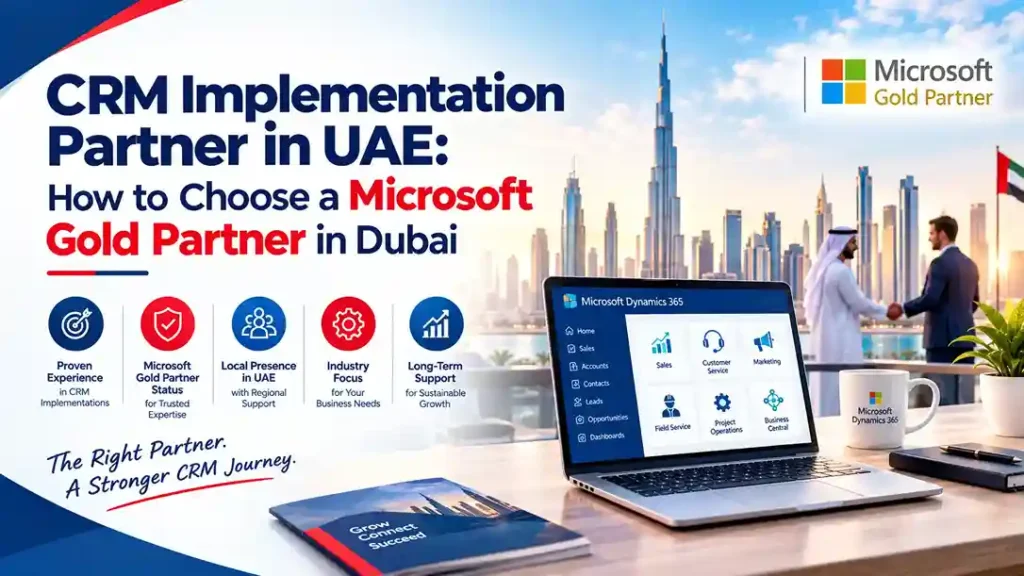
CRM Implementation Partner in UAE: How to Choose a Microsoft Gold Partner in Dubai
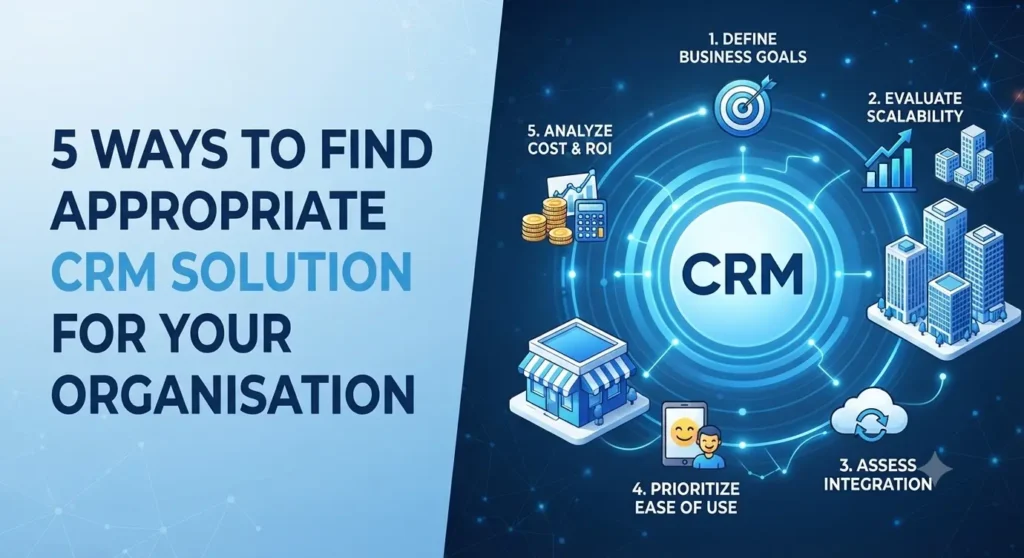
Choosing the right CRM implementation partner in UAE is a decision that directly impacts how quickly your sales, marketing, and customer service teams adopt new technology—and how much value you extract from it. With Microsoft Dynamics 365 CRM emerging as the platform of choice for enterprises across Dubai, Abu Dhabi, and the wider Gulf region, identifying a partner who can deliver a successful implementation has never been more important. This guide explains what to look for, how to evaluate Microsoft Gold Partners in Dubai, and the questions you must ask before signing any contract. Why CRM Implementation in UAE Requires a Specialized Partner The UAE business landscape moves fast. Companies operating in Dubai and across the Emirates deal with multi-currency operations, multilingual teams, regulatory requirements, and customers who expect instant, personalized service. A generic CRM implementation partner—even one with strong technical skills—will struggle without regional context. A specialized CRM implementation partner in UAE understands: Microsoft Gold Partners in Dubai have typically delivered dozens of CRM projects across these conditions. That pattern recognition translates into faster deployments, fewer costly mistakes, and smoother change management. What Separates Microsoft Gold Partners in Dubai from Other Vendors The Microsoft Partner ecosystem includes thousands of companies. Gold Partner status—now aligned with Microsoft’s Solutions Partner designations—indicates a partner has met verifiable standards for certifications, customer success, and technical capability. When evaluating Microsoft Gold Partners in UAE, verify these specific credentials: Solutions Partner Designations: Look for Business Applications designation, which covers Dynamics 365 CRM and ERP. Partners with additional designations in Data & AI or Digital & App Innovation can better integrate your CRM with analytics, automation, and cloud infrastructure. Certified Consultants: Ask how many team members hold current Microsoft Dynamics 365 certifications. Certifications must be active, not expired, and should cover the specific CRM modules you plan to deploy—Sales, Customer Service, Field Service, or Marketing. Customer Evidence: Request references from UAE-based clients whose CRM deployments resemble yours. Speak with them directly about implementation timelines, budget accuracy, and post-go-live support quality. Key Factors When Selecting a CRM Implementation Partner 1. Local Presence with Global Delivery Capability The best CRM implementation partners in UAE maintain offices in Dubai or Abu Dhabi while offering delivery resources across time zones. This matters when your project requires round-the-clock development or when your teams are distributed across multiple countries. 2. Industry-Specific CRM Experience CRM requirements vary dramatically by industry. A real estate developer needs lead management, property inventory integration, and broker portals. A financial services firm needs compliance tracking, KYC workflows, and secure client data handling. Choose a partner who has delivered CRM solutions in your sector. 3. Proven Implementation Methodology Ask to see the partner’s implementation methodology before committing. A structured approach should include: Partners who cannot articulate their methodology clearly will likely struggle to execute it. 4. Transparent Pricing Structure CRM implementation costs in UAE vary widely. A reputable Microsoft Gold Partner in Dubai will provide a detailed scope-based quote that separates licensing, implementation services, customization, integrations, and ongoing support. Be cautious of partners who quote unusually low prices without clearly defining what is included. 5. Ongoing Support and Optimization CRM systems require continuous refinement as your business evolves. Confirm what support options the partner offers after go-live. The strongest partners provide tiered support plans, proactive system health monitoring, and regular optimization reviews rather than charging hourly for every issue. How to Evaluate CRM Implementation Partner in UAE: Step-by-Step Step 1: Define your CRM requirements. Document your sales process, customer service workflows, marketing automation needs, and integration requirements. Be specific about user numbers and reporting expectations. Step 2: Shortlist Microsoft Gold Partners in Dubai. Use the Microsoft Solutions Partner directory to identify partners with relevant designations and UAE presence. Step 3: Request capability presentations. Ask each partner to present their CRM experience, methodology, and team credentials specific to your project. Step 4: Check references thoroughly. Speak with at least two clients per partner. Ask about implementation timeline accuracy, budget adherence, and how the partner handled issues during the project. Step 5: Review commercial terms. Compare not just total cost but what each proposal includes. Confirm training hours, support duration, and customization boundaries. Red Flags When Choosing a CRM Implementation Partner in UAE Why Microsoft Dynamics 365 CRM Is the Right Platform for UAE Businesses Microsoft Dynamics 365 CRM offers UAE organizations a unified platform for sales, customer service, marketing, and field operations. It integrates natively with Microsoft 365, Azure, and Power Platform, enabling automation and AI-driven insights without complex middleware. For enterprises in Dubai and across the Emirates, Dynamics 365 CRM provides: The platform’s strength, however, depends entirely on how well it is implemented. This is why partner selection matters so much. Final Thoughts: Making the Right Choice Selecting the right CRM implementation partner in UAE requires more than comparing price quotes. Prioritize partners with verified Microsoft Gold Partner status, demonstrable UAE project experience, transparent methodologies, and strong post-implementation support. The best Microsoft Gold Partners in Dubai will challenge your assumptions, recommend best practices, and deliver a CRM system your teams actually want to use. That combination of technical skill and business partnership is what turns a CRM project into a lasting competitive advantage. Ready to start your CRM journey? Request designations, references, and a discovery session from your shortlisted partners. The diligence you invest now will determine your CRM success for years to come.
CRM Implementation Partner in UAE: How to Choose a Microsoft Gold Partner in Dubai Read More »