Welcome to Trident Information Systems!
Write us to - info@tridentinfo.com
Let's Socialize

Dynamics 365 for Field Service Management

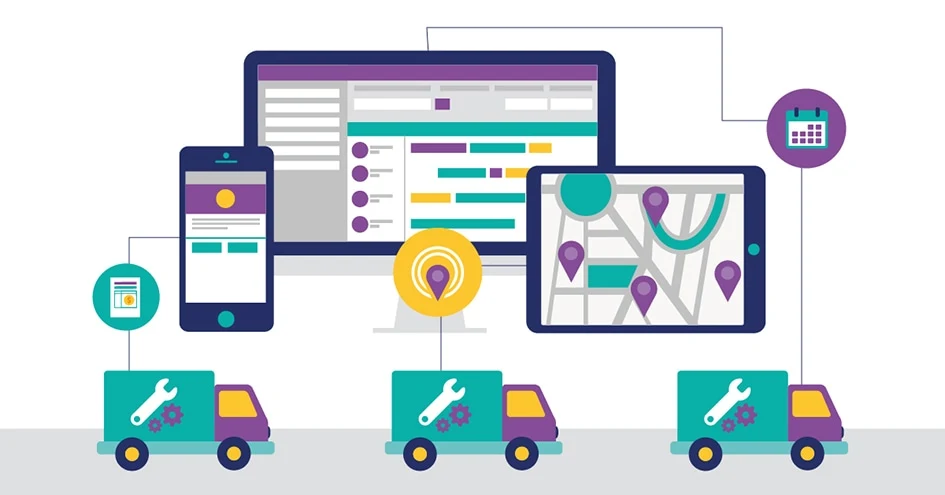
Microsoft Dynamics 365 Business Central integrated with field service management for scheduling, inventory, work orders, technicians, and invoicing.

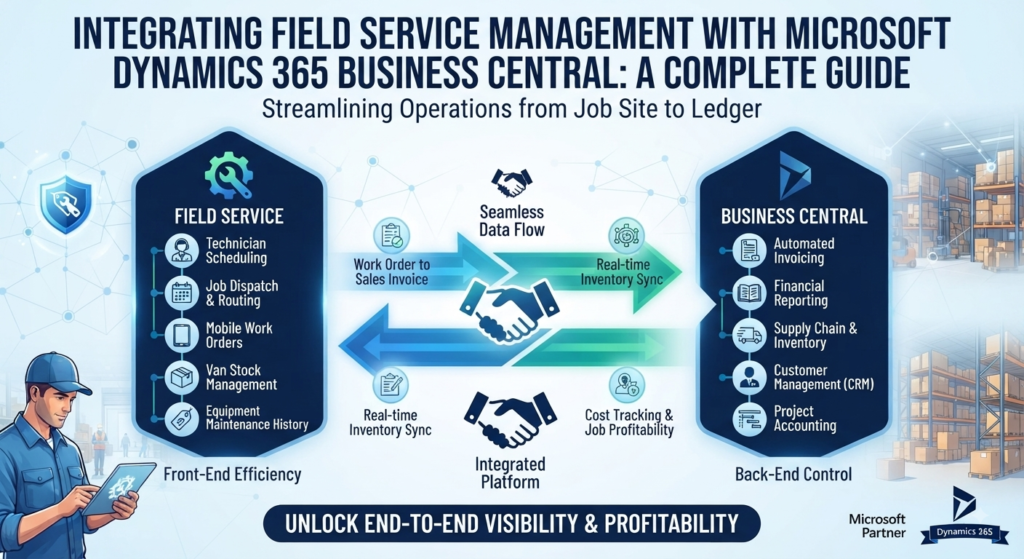
Integrating Field Service Management with Microsoft Dynamics 365 Business Central: A Complete Guide

Dynamics 365 Business Central is strong where ERPs are supposed to be strong — finance, inventory, and operations. But if your business sends technicians into the field, Business Central on its own doesn’t give dispatchers a scheduling board, technicians a mobile work order, or finance a real-time view of what a job actually cost. That gap used to mean bolting on a third-party field service tool and living with disconnected data. Microsoft closed it with a native integration between Dynamics 365 Field Service and Business Central — and Trident Field Serv is our implementation and support offering built around getting that integration right for your business. This guide covers what the integration actually does, what has to be in place before you can use it, and where the real implementation effort goes. Why Field Service Matters for Business Central Users Business Central alone handles the back office well: general ledger, inventory valuation, purchasing, and financial reporting. What it doesn’t natively give you is the field-side layer — technician scheduling, mobile work orders, parts consumption at the point of service, and asset history a technician can pull up on-site. Without that layer, most service businesses end up running two disconnected systems: a scheduling/dispatch tool for the field team and Business Central for finance. The result is familiar — a technician finishes a job, and it’s days before that job shows up as an invoice, and weeks before anyone can say whether it was actually profitable. The native Field Service integration removes that gap by connecting Dynamics 365 Field Service’s operational side — work orders, resources, scheduling, asset history — directly with Business Central’s Jobs, Service Management, inventory, and financial modules. What the Integration Actually Connects Real-time two-way sync. Work orders and consumption entries created in Field Service flow into Business Central for invoicing and fulfillment. Resource and inventory availability in Business Central becomes visible to technicians before a job is scheduled, so a technician isn’t dispatched without the parts the job needs. Inventory and parts availability by location. With inventory availability by location enabled, allocated quantities from Field Service work orders are reflected in Business Central’s gross-requirements calculation — so planning accounts for what’s already been committed to a job in the field, not just what’s on the shelf. Work order to invoice, without re-keying. Once a work order is completed in Field Service, the consumption and labor data flow through for fulfillment and invoicing in Business Central — closing the gap between a technician finishing a job and finance being able to bill it. Financial visibility on service work. Because every work order becomes cost and revenue data in Business Central rather than a line item in a separate system, you get job-level profitability without waiting for month-end reconciliation. What Has to Be True Before You Start This is the part most overview articles skip, and it’s where an implementation actually succeeds or stalls: The Business Impact Done properly, the integration changes three things for a service business: Resource utilization. Dispatch decisions are made against real inventory and technician availability, not a spreadsheet that’s a day behind. Cost control. Every work order becomes a P&L event in near real time, instead of a mystery until month-end close. Customer experience. Technicians arrive with the right parts and full case/asset history, and invoices go out while the job is still fresh in the customer’s mind — not three weeks later. How Trident Field Serv Fits In Trident’s Business Central implementation teams across India, the UAE, Nigeria, and Kenya handle the full path from licensing and scope decisions through data migration, integration setup, and post-go-live support — so the gap between “the integration exists” and “our field team is actually using it” is measured in weeks, not a stalled project. Ready to Connect Your Field Team to Business Central? If your technicians and your finance team are still working from two different pictures of the same job, the native Field Service and Business Central integration closes that gap — and getting the licensing, scope, and data readiness right up front is what determines whether it closes cleanly. Contact Trident for a free consultation on your Field Service and Business Central integration.


Integrating Field Service Management with Microsoft Dynamics 365 Business Central: A Complete Guide Read More »

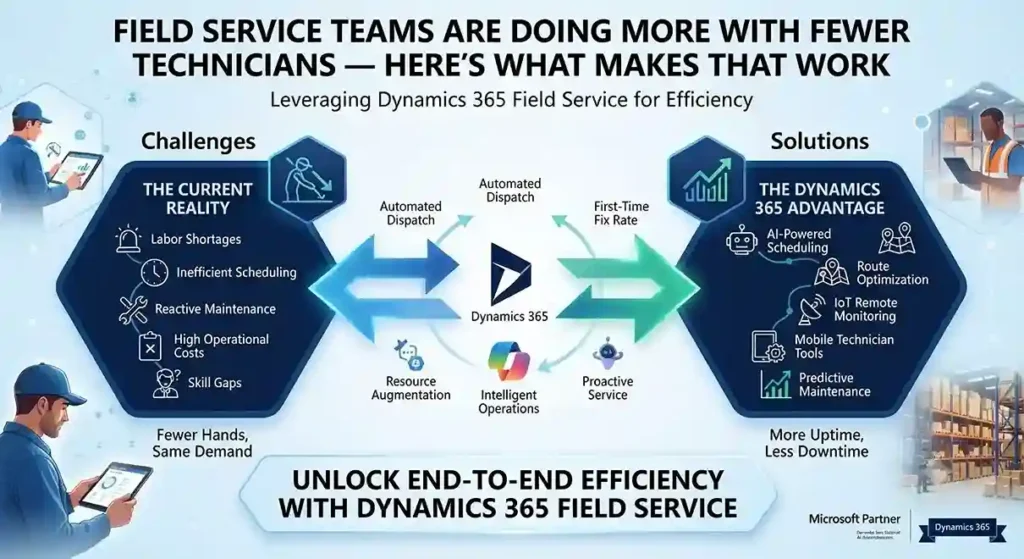
Dynamics 365 Field Service dashboard using AI scheduling and IoT alerts to optimize technicians and reduce onsite service visits.

Field Service Teams Are Doing More With Fewer Technicians — Here’s What Makes That Work

INTRO Fewer onsite technicians. Less face-to-face customer contact. The same expectation of fast, reliable service. That’s the operating reality most field service teams are managing now, and it’s forcing a shift from reactive dispatch to genuinely proactive service — sending the right person, with the right parts, before a customer even calls. Dynamics 365 Field Service is built around that shift, with AI-driven scheduling, remote collaboration tools, and IoT-based alerting doing the work that used to require more people on the road. First-Time Fix Rate Is the Metric That Actually Matters A technician’s onsite time is expensive — every callback for a missed fix compounds that cost. Field Service’s Inspections feature lets technicians capture structured data during a visit, improving quality and safety documentation without extra paperwork afterward. Built-in time tracking — automated where possible, manual where needed — feeds precise data back into scheduling, so utilization decisions are based on what visits actually take, not estimates. Remote Expertise, Without the Travel Dynamics 365 Remote Assist lets a technician using a HoloLens headset record and share a live session with an expert elsewhere — someone who can guide a fix in real time instead of the technician calling it in and waiting for a callback. That’s a direct lever on first-time fix rates: the technician gets specialist input on-site, in the moment, instead of after a second visit gets scheduled. AI Alerting Turns IoT Data Into Action, Not Noise Connected equipment generates a constant stream of telemetry — the hard part has never been collecting it, it’s knowing which alerts actually predict a failure worth dispatching for. Field Service uses AI-generated suggestions based on historical service data to surface the IoT alerts most likely to matter, paired with time-series views that let a dispatcher see an asset’s alert history at a glance rather than piecing it together manually. The practical effect: better incident categorization feeds directly into parts inventory planning and technician scheduling, which is where a lot of avoidable service cost actually lives. One System, Not Five Disconnected Tools Field Service now integrates more tightly with the rest of the Microsoft stack: Scheduling Is Where Efficiency Either Happens or Doesn’t Resource Scheduling Optimization automatically matches jobs to the technicians, equipment, and facilities actually equipped to handle them. The current scheduling board adds drag-and-drop functionality and materially better performance over the previous version — which matters more than it sounds, since a slow scheduling tool pushes dispatchers toward manual overrides that undo the optimization in the first place. Manager and dispatcher dashboards surface utilization data directly, so schedule adjustments come from visible patterns instead of guesswork. What This Looks Like at Scale Siemens Smart Infrastructure — which connects energy systems and building infrastructure across industries — runs Dynamics 365 Field Service to support over 12,000 employees, including 7,500 service technicians. Proactive service delivery, AI-driven scheduling, and real-time coordination are what let an organization at that scale stay responsive to disruption instead of falling back on manual dispatch when volume spikes. Want to see Dynamics 365 Field Service against your current dispatch process? Contact Trident Information Systems for a demo. FAQ What is Dynamics 365 Field Service used for?It’s Microsoft’s platform for managing onsite and remote service operations — scheduling technicians, tracking work orders, and using AI and IoT data to shift from reactive to proactive service delivery. Does Dynamics 365 Field Service work with IoT devices?Yes — it uses AI to analyze IoT alerts from connected equipment and prioritize which ones are most likely to require a technician dispatch, based on historical service data. Can Dynamics 365 Field Service integrate with Business Central?Yes — Field Service integrates with Business Central and Supply Chain Management to connect asset management and inventory data directly into the field service workflow.

Field Service Teams Are Doing More With Fewer Technicians — Here’s What Makes That Work Read More »

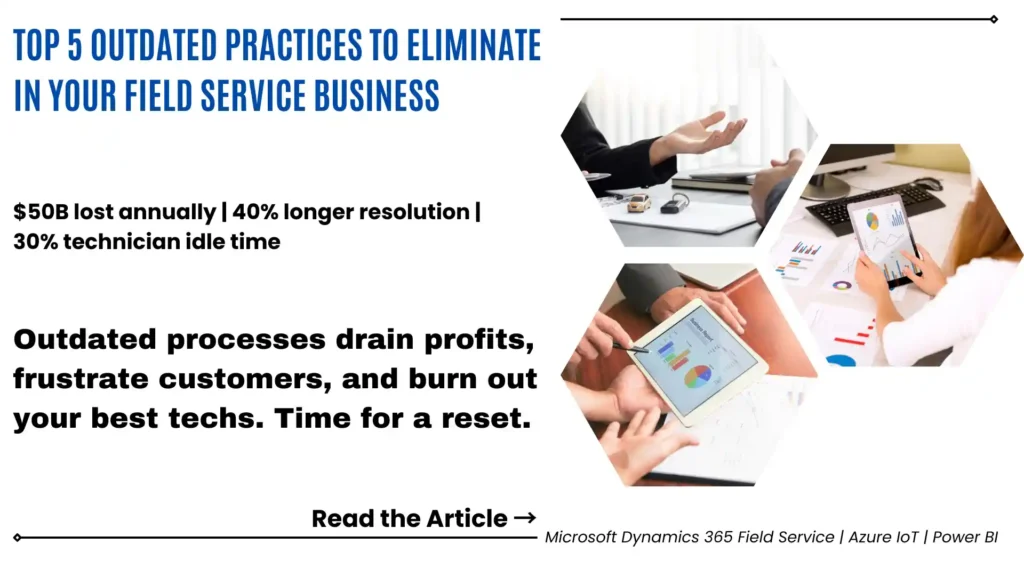
Field service management software replacing manual scheduling and paper-based workflows.

Top 5 outdated practices that should be eliminated in your Field Service Business

Be honest with yourself for a moment: is your field service operation running the way it should be in 2026 — or is it running the way it has always run? Because there is a significant difference. Field service businesses that have modernized their operations — replacing manual processes with intelligent automation, paper forms with mobile apps, and siloed systems with a single connected platform — are consistently outperforming those that have not. They are completing more jobs per technician per day. They are meeting more SLAs. They are receiving better customer reviews. And they are doing it with less administrative overhead, not more. The gap between a modern field service operation and an outdated one is not primarily about the technology. It is about the practices — the daily habits, workflows, and management approaches that have been in place for years, often unchallenged, because “that’s how we do things here.” Some of those practices need to go. This article covers the five outdated field service management practices that are most commonly holding service businesses back in 2025 — why each one is costing you more than you realize, and what replacing them actually looks like in a modern, well-run service operation. Why Your Field Service Business Cannot Afford to Stay Stuck in Old Habits The Cost of Outdated Field Service Practices in 2026 Here is the challenge with outdated field service practices: they rarely announce themselves as problems. They just quietly consume capacity, erode margins, and push customers toward competitors who have figured out a better way. Manual scheduling that takes a dispatcher an hour could be done by an intelligent system in seconds — and the system’s answer will be more optimized. Paper forms that a technician fills out at the end of a job represent data that could have been captured automatically throughout the day. Delayed service updates that leave dispatchers guessing about job status could be real-time with a mobile app already in most technicians’ pockets. None of these are edge cases. They are systemic inefficiencies — and in a field service business where technician time, vehicle costs, and SLA penalties are your primary operational variables, systematic inefficiency compounds fast. What Modern Field Service Operations Actually Look Like The best-run field service businesses in 2026 share common characteristics. Their dispatchers spend their time managing exceptions — not manually assigning every job. Their technicians arrive on site already knowing the customer’s history, the asset’s service record, and the most likely diagnosis. Their customers book appointments through whichever channel they prefer and receive automatic updates throughout the service day. And their management team has real-time visibility into every job, every technician, and every SLA commitment — without anyone having to compile a morning report. That is not a vision of the distant future. It is what the right field service management technology makes possible today. And the gap between that reality and a business still running on manual scheduling and paper forms is, quite simply, the competitive gap. The 5 Outdated Field Service Practices You Need to Leave Behind Practice 1: Manual Scheduling — The Bottleneck at the Heart of Your Operation Let us start with the one that affects everything else: manual scheduling. If your dispatchers are still assigning jobs by hand — looking at a whiteboard, a spreadsheet, or a basic calendar — they are making scheduling decisions without access to the full picture. They cannot simultaneously optimize for travel time, technician skill match, equipment availability, parts inventory, SLA priority, and real-time traffic conditions. Nobody can — not without software specifically designed to do exactly that. The result is a scheduling process that is slower than it needs to be, less optimized than it could be, and highly dependent on the knowledge and availability of one or two experienced dispatchers. When those people are sick, on holiday, or simply overwhelmed during a busy period, the quality of scheduling decisions deteriorates immediately. What a modern field service operation does instead: Intelligent automated scheduling software — like the Resource Scheduling Optimization (RSO) capability in Microsoft Dynamics 365 Field Service — continuously optimizes the entire schedule in real time. It assigns the right technician to every job based on their skills, location, and availability. It adjusts when jobs run over, when new urgent work comes in, or when traffic changes the optimal routing. And it does all of this automatically — freeing your dispatchers to focus on customer communication and exception management rather than manual job allocation. The business impact is immediate and measurable: more jobs completed per technician per day, lower travel costs, higher first-time fix rates, and SLA compliance rates that are built into the scheduling model rather than hoped for. Ask yourself honestly: how many hours per week does your team spend on manual scheduling — and how often does that scheduling fall apart when something unexpected happens? Practice 2: Paper-Based Forms — The Productivity Drain Nobody Talks About Research from Aberdeen Group and multiple field service industry surveys consistently finds the same thing: field technicians report that paperwork and administrative tasks are the most frustrating and unexpected part of their working day. Think about what that means. You are employing skilled engineers, mechanics, or technicians — people whose value to your business lies in their technical expertise — and you are having them spend significant portions of their working day filling out paper forms, completing job sheets by hand, and processing paperwork that will then need to be re-entered into a digital system by someone in the office. It is not just the time that is wasted. It is the errors. Paper forms get damaged, lost, or illegible. Information that should have been captured at the point of service gets reconstructed from memory hours later. Job data that should be in your system in real time sits in someone’s van overnight and gets entered the following morning — or not at all. What a modern field service operation does instead: Mobile digital forms —

Top 5 outdated practices that should be eliminated in your Field Service Business Read More »