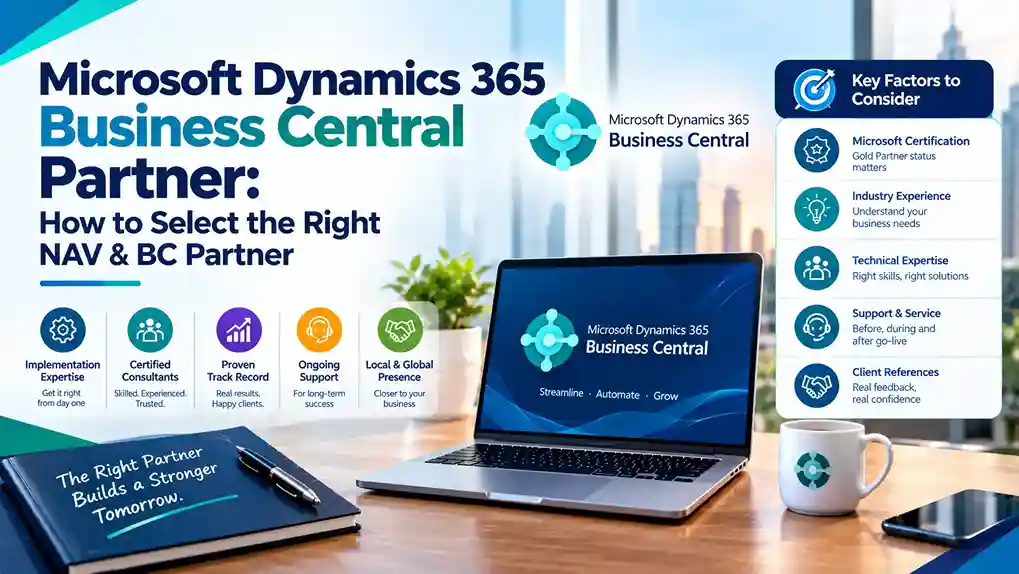
Microsoft Dynamics 365 Business Central is the fastest-growing ERP in Microsoft’s portfolio. It serves small and mid-sized businesses with cloud-native financials, supply chain, project management, and manufacturing capabilities. But Business Central’s accessibility creates a problem: almost every Microsoft partner now claims BC expertise.
The reality is more nuanced. Many partners offering Business Central services lack genuine depth. Some have never completed a full implementation. Others are former Microsoft NAV Partner organizations that have not properly transitioned their practices.
This guide explains how to select a Microsoft Dynamics 365 Business Central Partner that delivers real value—whether you are starting fresh on BC or migrating from NAV.
Why Business Central Partner Selection Is Critical
Business Central is deceptively powerful. Its standard functionality covers a broad range of business scenarios, and its configuration options are extensive. This breadth creates two failure modes:
Failure Mode 1: Under-implementation. A partner configures only the basics, leaving the business running a glorified accounting system while paying for full ERP licensing.
Failure Mode 2: Over-customization. A partner builds extensive customizations for requirements that standard BC already handles, creating technical debt that complicates every future update.
The right partner avoids both—deploying standard functionality where it fits and extending only where genuine business value justifies it.
NAV to Business Central: Understanding the Transition
Many organizations evaluating Business Central partners are current NAV users. Understanding this transition is essential to selecting the right partner.
What Changed from NAV to BC
Business Central is the successor to Microsoft Dynamics NAV (originally Navision). The transition involved:
- Cloud-first architecture replacing on-premise deployment
- Modern web interface replacing the classic NAV client
- Subscription licensing replacing perpetual licenses
- AppSource ecosystem replacing traditional add-on channels
- Continuous updates replacing periodic version upgrades
The underlying data model and core functionality evolved directly from NAV, which is why many Dynamics Navision Partner organizations transitioned to Business Central practices.
Why Not All NAV Partners Transitioned Successfully
Not every Microsoft Navision Partner made the transition effectively. Some continued supporting on-premise NAV without building cloud BC capability. Others attempted BC implementations without proper training.
When evaluating Dynamics Business Central Partners, ask directly about their NAV-to-BC transition experience—not just BC implementation experience.
What to Look For in a Microsoft Dynamics 365 Business Central Partner
1. Current Microsoft Solutions Partner Designation
Verify the partner holds current Business Applications designation from Microsoft. This confirms audited customer success, certified staff, and verified performance. Legacy Gold Partner status alone is insufficient—Microsoft’s program has evolved and designations must be current.
2. Certified Business Central Consultants
Ask specifically:
- How many consultants hold current Business Central certifications?
- Which functional areas do they cover (finance, supply chain, manufacturing, projects)?
- Who will be assigned to your project, and what are their credentials?
Partners with thin BC benches will delay your project when other clients escalate.
3. NAV Migration Experience
For NAV users, migration experience is non-negotiable. Ask:
- How many NAV to Business Central migrations have you completed?
- What tools and methodology do you use?
- How do you handle customizations built on NAV C/AL?
- Can you provide references from NAV migrations similar to ours?
Microsoft provides migration tools, but successful migrations require experienced hands.
4. Business Central AppSource Knowledge
Business Central’s ecosystem relies on AppSource apps for extended functionality. The right partner knows:
- Which AppSource apps address common requirements
- How to evaluate app quality and vendor support
- When custom development beats an AppSource app
- How to manage app updates alongside Microsoft releases
Partners unfamiliar with AppSource will either over-customize or miss solutions that already exist.
5. Industry-Specific BC Experience
Business Central serves diverse industries—manufacturing, distribution, professional services, retail, and more. Each has distinct requirements. Choose a partner with demonstrated experience in your sector, with references to prove it.
6. Implementation Methodology
Ask to see the partner’s methodology documentation. A mature approach includes:
- Discovery workshops and requirements documentation
- Fit-gap analysis against BC standard functionality
- Data migration with validation checkpoints
- Testing strategy including user acceptance
- Training by role
- Cutover planning and hypercare support
7. Ongoing Support Model
Business Central receives two major updates per year. Your partner must manage:
- Release wave impact assessment
- Testing before updates deploy
- App compatibility checks
- User communication and training on new features
Partners without structured update management leave you exposed to disruption.
Evaluating Dynamics Business Central Partners: A Practical Process
Step 1: Define your requirements precisely.
Document modules needed, user count, entity structure, integrations, and data volume. Include your NAV version if migrating.
Step 2: Screen for current designations.
Use Microsoft’s Solutions Partner directory to verify Business Applications designation.
Step 3: Request BC-specific references.
Ask for at least three references—including NAV migrations if applicable—and contact them independently.
Step 4: Assess AppSource familiarity.
Ask how they approach requirement gaps: AppSource first, configuration second, custom development last.
Step 5: Review methodology and support terms.
Confirm implementation approach and post-go-live support SLAs before signing.
Common Mistakes When Selecting a Business Central Partner
Assuming all Microsoft partners are equal. Designations and certified consultant depth vary enormously.
Choosing on price alone. Low-cost BC implementations often mean minimal configuration and thin support.
Ignoring the NAV migration dimension. If you run NAV, a partner without migration experience adds risk.
Skipping reference checks. Partner marketing claims should be verified with actual clients.
Overlooking update management. Business Central’s twice-yearly release cycle requires active partner management.
Business Central vs. Finance & Operations: Getting the Fit Right
Some partners push Business Central for organizations that need Finance & Operations, or vice versa. The distinction matters:
Business Central suits organizations with straightforward multi-entity needs, standard manufacturing or distribution, and budgets under $300K for implementation.
Finance & Operations suits complex global organizations with advanced manufacturing, multi-country consolidation, and budgets exceeding $300K.
A trustworthy partner will recommend the right platform even if it means a smaller project for them.
Questions to Ask Every Business Central Partner
- Do you hold current Microsoft Business Applications designation?
- How many certified Business Central consultants do you employ?
- How many NAV to BC migrations have you completed?
- Can you provide references from businesses like mine?
- How do you approach AppSource versus custom development?
- What is your methodology for BC implementations?
- How do you manage Microsoft’s twice-yearly release updates?
- What does post-go-live support include, and at what cost?
Final Thoughts
Microsoft Dynamics 365 Business Central is an excellent platform for growing businesses—but only when implemented by a partner with genuine expertise. The right partner combines current Microsoft designations, certified consultant depth, NAV migration experience, AppSource knowledge, and structured support.
Whether you are evaluating Business Central for the first time or migrating from Microsoft NAV, apply rigorous selection criteria. The partner you choose shapes your ERP experience for years.
Ready to select a Business Central partner? Verify designations, request NAV migration references, and compare methodology before committing.