
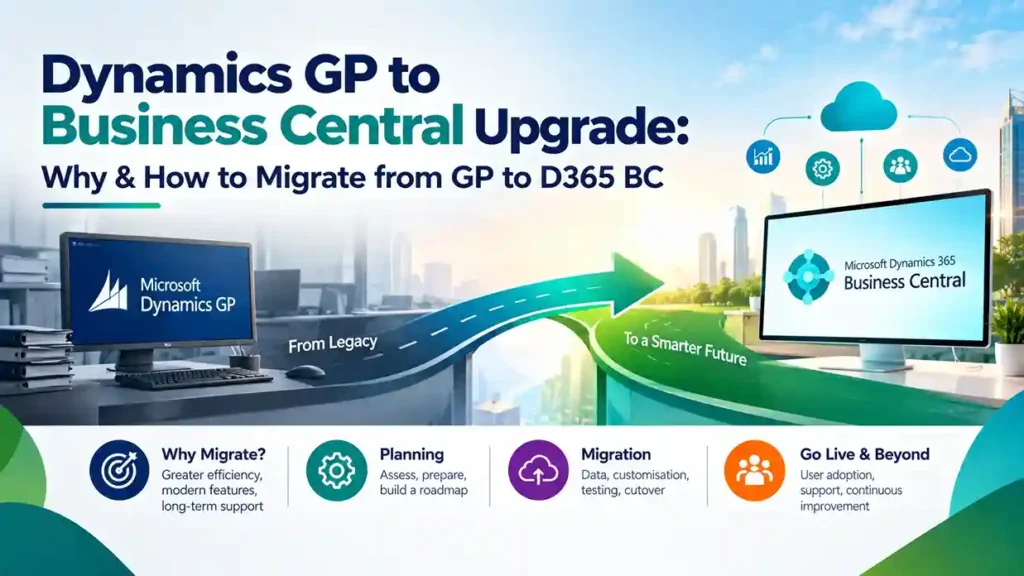
Microsoft has drawn a firm line under Dynamics GP’s future. Mainstream support ends December 31, 2029, and security updates stop April 30, 2031 . After those dates, there are no tax table updates, no regulatory fixes, and no technical support. For finance teams running critical operations on GP, the question is no longer whether to migrate—it is how to do it without disrupting the business.
This guide explains why the GP to Business Central upgrade matters now, what the migration actually involves, and how to plan a transition that protects your data and your team.
Why Migrate from GP to Business Central Now
The end-of-life timeline creates a hard planning constraint, but the practical reasons to move extend beyond dates.
Compliance risk after 2029. GP’s primary job is compliant financial reporting and accurate tax handling. Once regulatory and tax updates stop, every change becomes a manual workaround or a custom fix—each carrying audit risk .
Rising cost to stand still. GP specialists are becoming scarcer and more expensive. Server maintenance, database upkeep, and aging integrations demand increasing budget while delivering zero innovation .
Cloud and AI capabilities GP cannot match. Business Central includes Copilot at no additional license cost. The 2026 release wave adds AI agents that process invoices and validate sales orders—features unavailable to GP users .
The runway is shrinking. A typical mid-market ERP migration takes six to eighteen months. Working backward from 2029 means complex projects should be in active implementation well before 2028. Waiting until 2028 or 2029 means competing for the same finite pool of experienced consultants at the worst possible negotiating position .
What Actually Migrates
Microsoft’s cloud migration tool moves GP data to Business Central online table by table. The following data is included :
- System and company setup (payment terms, shipping methods, sites)
- Master data for accounts, customers, vendors, and items
- Open transactions (receivables and payables with remaining balances)
- Historical data (configurable by year—you choose the oldest historical year to migrate)
- Customer and vendor classes, converted to posting groups where applicable
The migration runs first in a sandbox environment, then in production when ready. Data volume and SQL configuration affect timing .
A critical decision: what to leave behind. Migrating all historical data inflates cost, slows the system, and is rarely used operationally. Many organizations archive legacy detail to Azure Data Lake or Power BI instead of importing it into Business Central .
How the GP to BC Migration Works: Step by Step
Step 1: Assessment and Migration Strategy
Before touching data, evaluate your GP environment: modules in use, customizations, integrations, data quality, and reporting needs. Decide whether to pursue a full data migration (preserving history and rebuilding necessary customizations) or a reimplementation (migrating only essential data—master records, opening balances, setup—while adopting standard BC processes).
Microsoft offers a free migration assessment tool that maps your GP structure and identifies potential issues .
Step 2: Data Cleanup and Mapping
This is where migration success is determined. Clean duplicate records, resolve inconsistencies, and map GP segments to Business Central dimensions. The most common regret is copying the GP chart of accounts verbatim—it imports GP’s rigidity into a platform built to escape it .
Customizations require triage. Each GP customization or ISV add-on must be assessed: rebuild as a Business Central extension, replace with standard functionality or an AppSource app, or retire entirely. Many “must-have” GP customizations are standard features in Business Central .
Step 3: Test Migration
Run the cloud migration tool to move GP data into a test Business Central environment. Users review converted data, catch issues, and confirm the approach before production cutover . This phase typically runs in a sandbox first to validate schema alignment and data integrity .
Step 4: User Acceptance Testing and Training
Users test key workflows in Business Central while completing role-based training. Configuration and data conversion are adjusted based on testing feedback. HCL, a Colorado-based laundry services company, reported that structured training helped their finance team navigate new terminology and processes during their GP to BC transition .
Step 5: Final Migration and Go-Live
The production cutover is completed with a support safety net. For most mid-market organizations, a phased approach works best: migrate core financials (and distribution if applicable) first, then schedule custom development and third-party integrations as Phase 2 after go-live .
Step 6: Hypercare and Optimization
Post-go-live support for the first 90 days is critical. Address issues quickly, gather user feedback, and optimize workflows as teams mature on the new system.
Realistic Timeline and Cost Drivers
Timeline brackets (directional, not fixed quotes) :
- Standardized, fixed-scope core financials migration: 8–12 weeks
- Broader multi-module reimplementation: 3–7 months
- Complex, multi-entity, heavily customized estates: longer, delivered in stages
Cost drivers you can control :
- Data quality and volume — clean master data and disciplined history archiving is the single biggest lever
- Customization decisions — retiring unnecessary customizations cuts both migration cost and long-term maintenance
- Integration scope — each connection to CRM, payroll, banking, or e-commerce adds work
- Entity and user count — multi-company and multi-currency estates require more configuration and testing
Bridge to Cloud 3 offers a 30% discount on Dynamics 365 licenses for eligible GP customers, materially reducing first-three-year costs. Organizations that plan early can lock in discounted licensing and secure experienced partner capacity before demand peaks .
Common Mistakes That Inflate Cost and Risk
Copying the GP chart of accounts verbatim. This is the number-one regret. Business Central’s dimension-based model requires deliberate design, not replication of GP’s segmented structure .
Migrating all historical data “just in case.” Archive it instead. Migrating years of unused detail slows the system and adds cost without operational value .
Rebuilding customizations no one uses. Audit first. Business Central likely handles the requirement natively or through an AppSource app .
Over-licensing users. Approvers and viewers often fit Team Member licenses, not Essentials or Premium .
Starting too late. Waiting until 2028 shrinks options, inflates prices, and reduces partner availability when capacity is scarcest .
What Business Central Delivers That GP Cannot
For finance leaders evaluating the move, three outcomes consistently matter :
Real-time visibility. Cash position, margin, and outstanding receivables are visible immediately—not after month-end reporting cycles. Decisions happen before problems escalate.
AI without extra cost. Copilot is included with Business Central online licenses. Routine finance work—matching, categorizing, drafting—gets faster, with human review before anything posts.
No more upgrade treadmill. Business Central updates automatically in the cloud. You leave behind the cycle of major version upgrades, server maintenance, and end-of-support anxiety that defined the GP years.
Final Thoughts
The Dynamics GP to Business Central upgrade is a defined project with a clear timeline, proven tooling, and measurable business benefits. The organizations that start now—with assessment, data cleanup, and partner selection—will migrate calmly before the 2029 support cliff. Those that wait will migrate under pressure, with fewer options and higher costs.
Running Dynamics GP and planning your next step? Contact a certified Microsoft partner for a migration assessment and roadmap that respects your timeline and your budget.