Welcome to Trident Information Systems!
Write us to - info@tridentinfo.com
Let's Socialize

retail pos software in india

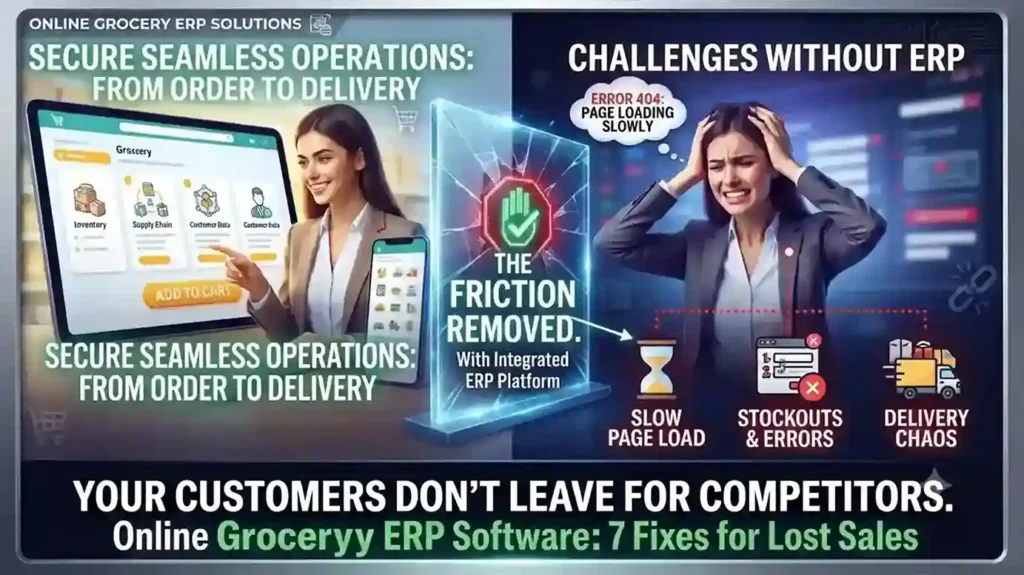
Your Online Grocery Store Isn’t Losing Customers to Competitors — It’s Losing Them to Friction

INTRO Online grocery sales are growing at roughly 28% a year — more than ten times the rate of total grocery sales. That growth is also exposing which retailers built their online grocery ERP software around real shopping behavior, and which bolted e-commerce onto a system that was never designed for it. The seven gaps below are the ones costing retailers carts, not competitors. Each one is a system problem before it’s a customer-experience problem. Slow Search Costs You the Sale Before Checkout A shopper hunting through a hundred-item bread category for one product doesn’t file a complaint — they just leave. Category filtering, predictive search (“did you mean coriander?”), and complete product data — pack size, allergens, expiry — aren’t UX polish. They’re inventory data problems, and they trace back to whether your ERP actually feeds structured product data to your storefront or leaves your web team entering it by hand. Hidden Delivery Restrictions Kill Orders After the Cart Is Full Nothing costs a sale faster than a shopper spending 20 minutes filling a cart, then discovering their postcode isn’t serviceable. Delivery zones, pricing, and timing need to be visible before checkout starts — which means your delivery logic needs to be connected to your commerce platform in real time, not a static page someone forgot to update last quarter. Fix This With a Clear Checkout FlowLabel every step (Details → Shipping → Payment → Review), show a progress bar, and confirm the order with a summary — items, delivery window, and what happens next. Ambiguity at checkout is where carts get abandoned. Mobile Is Already Majority Traffic — Is Your Platform Built for It? Mobile drives the majority of e-commerce traffic and sales for most retailers now. If your site isn’t fully responsive — large tap targets, zoomable product images, a cart that persists across devices — you’re optimizing for the smaller slice of your audience. Cart persistence in particular matters: a shopper who starts on their phone and finishes on a laptop shouldn’t have to rebuild their order. “Endless Aisle” Only Works With Real Navigation Online stores can carry far more SKUs than a physical location — but only if customers can actually find them. Top-level categories, sort-and-filter by price or brand, and a visibly confirmed “add to cart” action are baseline. Without them, a bigger catalog just means a worse search experience. Delivery Precision Drives Conversion More Than Delivery Speed Nielsen’s Global Connected Commerce research points to 30-minute delivery windows as the benchmark shoppers respond to — not same-day delivery in the abstract, but a specific window they can plan around. Whether you deliver direct, via locker pickup, curbside, or through a partner like Instacart depends on your infrastructure. What matters is picking one you can reliably hit. Freshness Anxiety Is a Solvable Data Problem Spoilage risk is one of the top reasons shoppers hesitate to buy fresh groceries online. Freshness labels showing remaining shelf life after delivery, visible customer reviews per product, and a clear return or refund policy for produce that doesn’t meet expectations all directly address that hesitation — but only if your system tracks expiry data at the SKU level to begin with. One Broken Link in the Chain Becomes the Whole Brand’s Problem A late delivery, a wrong product description, or a broken cold-storage locker doesn’t read to the customer as “a vendor issue” — it reads as your failure. This is why online grocery ERP software has to unify inventory, POS, delivery logistics, and product data on one system. Disconnected point solutions are where these failures start. Running your online grocery operation on disconnected systems? Talk to Trident about an ERP assessment built for grocery retail. FAQ What ERP features matter most for online grocery retailers?Real-time inventory sync, SKU-level expiry tracking, and integration between POS, e-commerce, and delivery logistics matter most — these directly address the stockout, freshness, and delivery-accuracy issues that cause cart abandonment. Why do online grocery shoppers abandon their carts?The most common causes are hidden delivery restrictions discovered late in checkout, slow or unclear search, and lack of trust in product freshness — all of which trace back to system-level data gaps, not just website design. What delivery window works best for online grocery?Research from Nielsen points to 30-minute delivery windows as the standard shoppers respond to best, provided the retailer can consistently meet that window.
Your Online Grocery Store Isn’t Losing Customers to Competitors — It’s Losing Them to Friction Read More »

Business team using CRM software to manage sales, customer data, and communication workflows.

5 Clear Signs Your Business Needs CRM Software in 2026

Here is a question most business owners ask too late: at what point does managing customer relationships in spreadsheets, email inboxes, and memory become a liability rather than a system? The honest answer is — sooner than you think. Customer Relationship Management (CRM) software is not just for large enterprises with complex sales teams. It is for any business that wants to grow its customer base, retain the customers it already has, and make sure no opportunity falls through the cracks. The challenge is recognising when the moment has arrived. Here are five clear signs that your business needs CRM software — and why Microsoft Dynamics 365 is the platform most businesses choose. What Is CRM Software and Why Does It Matter? CRM software is a centralised system that manages every interaction between your business and your customers — from the first marketing touchpoint through the sales cycle, the initial purchase, ongoing service, and renewal. Done well, CRM gives every team member a complete, real-time picture of every customer relationship. Sales knows what marketing has sent. Customer service knows what sales has promised. Management knows exactly where every opportunity stands. Without CRM, this information lives in individual inboxes, personal spreadsheets, and people’s heads — and every time someone leaves the business, some of that knowledge leaves with them. 5 Signs Your Business Needs CRM Software Now Sign 1 — You Are Losing Leads Without Knowing Why Leads come in through your website, social media, phone calls, and referrals. But if you are managing them manually, some of those leads are simply not being followed up — because they were logged in the wrong place, assigned to the wrong person, or forgotten during a busy week. A CRM captures every lead automatically, assigns it to the right team member, sets follow-up reminders, and tracks every interaction. Nothing gets lost. Every opportunity gets the attention it deserves. If you have ever discovered a warm lead that was never followed up weeks after it arrived — your business needs CRM. Sign 2 — Your Marketing and Sales Teams Work in Silos Marketing generates leads. Sales closes deals. But when these two teams work from different systems and different data, the handoff between them is where opportunities die. Marketing does not know which leads converted. Sales does not know which campaigns generated their best prospects. Neither team can make decisions based on the complete picture — because that picture does not exist in any single place. CRM creates a shared view of every customer and every lead — so marketing can see which campaigns produce sales-ready prospects and sales can engage leads with full context on their marketing journey. The result is better targeting, higher conversion rates, and a measurable improvement in revenue. If your marketing and sales teams regularly blame each other for pipeline problems — your business needs CRM. Sign 3 — You Cannot Easily Create Quotes and Track Invoices For businesses that sell through a quotation process — professional services, manufacturing, technology, or any B2B operation — the ability to create, track, and follow up on quotes directly impacts how quickly deals close. A CRM with a built-in quoting and invoicing module connects the entire opportunity-to-cash process: If your team is manually creating quotes in Word documents and tracking them in a spreadsheet — your business needs CRM. Sign 4 — Customer Service Issues Are Falling Through the Gaps Customer service quality is directly tied to information quality. When a customer calls with a problem, the speed and accuracy of the resolution depends on whether your team can instantly see their complete history — what they bought, when, what issues they have had before, and what was promised. Without CRM, this information is scattered across email threads, support tickets, and different team members’ notes. The customer ends up repeating themselves. Issues take longer to resolve. Satisfaction drops. CRM centralises customer service management: If customers regularly complain about having to repeat their issue to multiple people — your business needs CRM. Sign 5 — You Cannot See How Your Business Is Really Performing Good management decisions are built on good data. But if your sales pipeline lives in a spreadsheet, your customer data is in email, and your service records are in a helpdesk tool — getting a clear, current picture of business performance requires manual compilation that takes hours and is outdated the moment it is finished. CRM provides real-time dashboards and reports that give every level of the organisation instant visibility: If your management team regularly makes decisions based on instinct because the data is too hard to access quickly — your business needs CRM. Why Microsoft Dynamics 365 CRM Microsoft Dynamics 365 is one of the world’s most widely adopted CRM platforms — and for good reason. It covers every scenario described above in a single, unified platform: lead management, marketing automation, sales pipeline, quoting and invoicing, customer service, and real-time analytics — all connected on the same data model. Key advantages over standalone CRM tools: Why Trident Is India’s Trusted Dynamics 365 CRM Partner As a certified Microsoft Dynamics 365 partner, Trident Information Systems has helped businesses across sales, marketing, manufacturing, retail, and professional services in India implement CRM solutions that close the gaps described in this article. Our CRM implementations are configured around your specific sales process and customer management requirements — not a generic template. Ready to find out how CRM software can transform your customer relationships? Book a free Dynamics 365 CRM assessment with Trident today. For more insightful content and industry updates, follow our LinkedIn page.

5 Clear Signs Your Business Needs CRM Software in 2026 Read More »

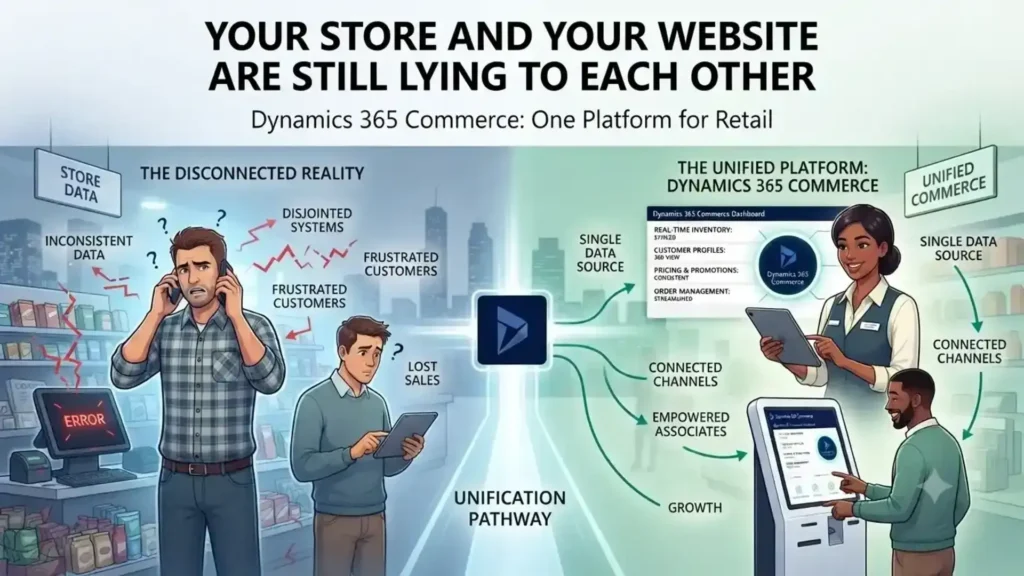
Retail store and eCommerce website displaying mismatched inventory and customer data, highlighting the need for unified commerce.

Your Store and Your Website Are Still Lying to Each Other

A customer checks stock online, drives to the store, and finds the shelf empty — because the website and the POS were never talking to each other. Dynamics 365 Commerce closes that gap, running e-commerce, POS, and inventory on one shared data model instead of three disconnected systems. The result: what the customer sees online is what’s actually on the shelf. A customer checks stock online, drives to the store, and finds the shelf empty. The website said 12 in stock. The POS system never told it otherwise. This is the gap that kills conversion — not a lack of channels, but channels that don’t talk to each other. Physical retail isn’t dying. US retail storefronts have kept expanding even as e-commerce grows in double digits, and most large online retailers still run physical stores alongside their digital ones. The real shift isn’t online-versus-offline. It’s whether a retailer’s systems present one version of the truth across both. Why Omnichannel Keeps Failing on the Back End Most retailers don’t lack an omnichannel strategy. They lack an omnichannel database. Inventory sits in one system, POS transactions in another, e-commerce orders in a third — and “click and collect” becomes a manual reconciliation problem instead of a feature. Dynamics 365 Commerce solves this by running POS, e-commerce, call center, and back-office inventory on a single data model. A sale on the shop floor and an order placed on the app update the same stock ledger in real time. There’s no overnight batch sync, no separate inventory feed that drifts out of date by midafternoon. What Changes for the Store Team Store associates stop being the last to know. With real-time inventory visibility built into the POS, an associate can check stock at another location and place a transfer or a customer order without calling around. Paired with Dynamics 365 Customer Insights, they can also pull up a shopper’s purchase history and preferences mid-conversation — turning a routine sale into something closer to how a regular customer at a neighborhood store gets treated, at chain scale. Personalization Is a Retention Lever, Not a Nice-to-Have Younger shoppers in particular respond to retailers that recognize repeat behavior instead of treating every visit as anonymous. [Verify with a current source — this stat should reflect the latest data, not be carried over from the original piece.] Recommendation logic built on unified purchase data — not guesswork — is what makes that personalization operationally possible instead of aspirational. Where This Matters Most: Mid-Size Chains Enterprise retailers can afford to bolt together five vendors and a systems-integration team to keep it running. Mid-size retail chains usually can’t. That’s where a single-platform approach pays off fastest — fewer integration points to maintain, one vendor accountable for uptime across channels, and IT teams that aren’t stitching together POS, ERP, and e-commerce patches every quarter. The Real Competitive Line Isn’t Online vs. In-Store E-commerce alone won’t differentiate a retailer for much longer — most competitors have it. What separates retailers now is whether a customer gets the same accurate stock count, price, and service history whether they’re on the app, on the phone with support, or standing at the register. That consistency is an infrastructure decision, not a marketing one. Ready to see it on your own store’s data? Talk to Trident about a Dynamics 365 Commerce assessment for your retail environment. FAQ What is Dynamics 365 Commerce used for?It’s Microsoft’s unified retail platform that runs POS, e-commerce, call center, and inventory management on one data model, so stock and order data stay consistent across every sales channel. Is Dynamics 365 Commerce the same as Dynamics 365 for Marketing?No — they’re different products. Commerce handles retail operations and omnichannel sales; Marketing handles campaign management. Retailers evaluating an ERP should look at Commerce. Can Dynamics 365 Commerce support click-and-collect?Yes. Because inventory updates in real time across channels, a “buy online, pick up in store” order reflects accurate stock without manual reconciliation between systems.

Your Store and Your Website Are Still Lying to Each Other Read More »

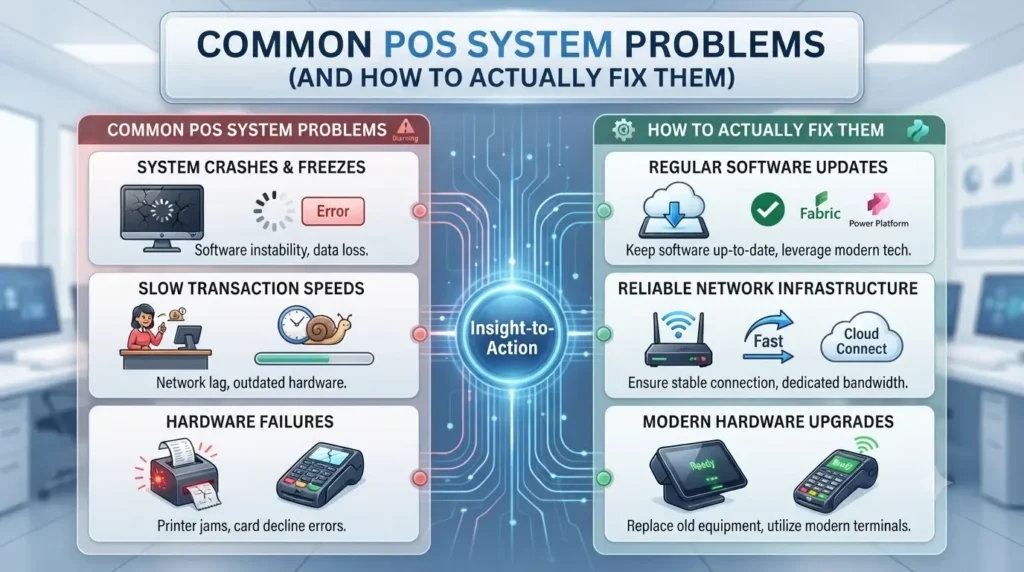
Retail POS system displaying sales, inventory management, payment processing, and troubleshooting alerts.

Common POS System Problems (And How to Actually Fix Them)

POS System Problems and Solutions for Retail A single unencrypted Wi-Fi network shared between your POS terminals and customer guest access is one of the most common ways retail payment data gets exposed — and it’s still standard setup in a lot of small and mid-size stores. Most POS problems aren’t software failures. They’re implementation gaps that show up months after go-live, when nobody’s watching for them anymore. Here are the five that come up most often, and what actually fixes each one. 1. Security Gaps That Go Unnoticed Until It’s Too Late A single data breach can undo years of customer trust — and PCI-DSS non-compliance carries real financial penalties on top of the reputational damage. The fix isn’t a single tool; it’s a checklist most retailers skip at implementation: A POS platform with built-in breach detection catches anomalies — like a terminal suddenly processing transactions outside normal hours — before they become a full incident. 2. Choosing a POS System That Can’t Scale With You Retailers often pick POS software based on sticker price alone, then discover it can’t handle multi-location reporting or real-time inventory sync once they open a second store. Reporting inaccuracy at that point isn’t a bug — it’s the system reaching its architectural limit. Treat POS selection as infrastructure, not a one-time purchase. A platform built to handle your business at 3x its current size costs more upfront but avoids a forced, disruptive migration in 18 months. 3. No Fallback When the Internet Drops If your POS is fully cloud-dependent and your internet connection fails, you can’t process a single transaction — not ideal during a Saturday afternoon rush. This is a design flaw many retailers only discover during their first outage. Two fixes, not mutually exclusive: a backup hotspot connection as a stopgap, and a POS platform with offline transaction mode that queues sales locally and syncs once connectivity returns. LS Central, built on Microsoft Dynamics 365 Business Central, supports offline resilience so a dropped connection doesn’t mean a dropped sale. 4. Paying for Features You Never Turn On Sales reporting, email marketing integration, e-commerce sync, employee management — most modern POS platforms include all of it, and most retailers use a fraction of it. That’s not a software problem; it’s an onboarding problem. Nobody walked the team through what the platform can actually do beyond ringing up sales. An implementation partner should include a features audit 60-90 days post go-live, not just at launch, since usage patterns and business needs shift once the system is live. 5. Staff Who Never Got Properly Trained A new POS rollout without structured training turns every shift into a slowdown — staff second-guessing screens, mis-keyed transactions, frustrated customers in line. High retail staff turnover makes this worse: every new hire restarts the same friction if training isn’t systematized. Platforms built on familiar Microsoft interface logic — Business Central, Windows, Office — cut this ramp-up time meaningfully, because staff already know the underlying navigation patterns. Pair that with a standard onboarding checklist your team follows for every new hire, not ad hoc shadowing. Choosing a Partner, Not Just a Platform A POS rollout isn’t a one-time transaction — it’s the start of a long-term relationship with whoever implements and supports it. Trident Information Systems is a Microsoft Solutions Partner delivering LS Central, an end-to-end retail solution built on Dynamics 365 Business Central covering POS, inventory, merchandising, demand planning, and back-office operations in a single platform — no stitching together separate systems for headquarters and store-level reporting. Facing one of these problems in your current POS setup? Talk to Trident’s retail solutions team about an LS Central assessment for your store or chain. FAQ Q: What are the most common POS system problems?A: Security gaps from shared Wi-Fi networks, systems that can’t scale to multiple locations, no offline fallback during outages, underused features, and insufficient staff training. Q: What happens if a POS system loses internet connection?A: Fully cloud-dependent systems can’t process transactions during an outage; platforms with offline mode queue sales locally and sync once connectivity returns. Q: Is LS Central suitable for multi-location retail chains?A: Yes — built on Dynamics 365 Business Central, it unifies POS, inventory, and back-office operations across store locations from a single platform.

Common POS System Problems (And How to Actually Fix Them) Read More »